
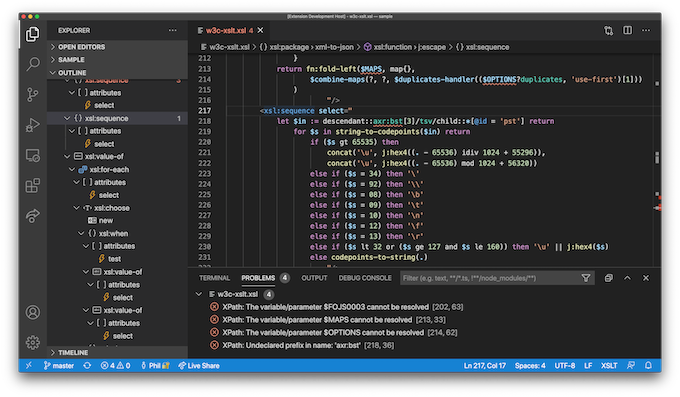
This is a guide to coding XSLT or XPath in Visual Studio Code using the language and notebook extensions maintained by DeltaXML. Visual Studio Code's user interface has a different look and feel to that of legacy XSLT editors. The Command Palette, along with key bindings to most common commands, play a significant role in providing a clearer environment to work in.
The sections below introduce you to the fundamental parts of the user interface from the perspective of an XSLT/XPath developer.
In this section
Getting Started
Getting started with DeltaXML XSLT/XPath VS Code extension.
Editing XML
Editing XML elements and intellisense.
Editing XSLT/XPath
Using the XSLT/XPath extension and formatting.
Code Navigation
Navigating code references and definitions.
Running XSLT
Setup and configure dependencies for XLST/XPATH extension.
XPath Notebooks
Why use XPath Notebooks and quick start guide.
Settings
Specific XSLT extension settings.
Download
Download your copy from the Visual Studio Marketplace:
XSLT/XPath for Visual Studio Code - Visual Studio Marketplace
Version History
Use this link for a full list of XSLT/XPath release versions