
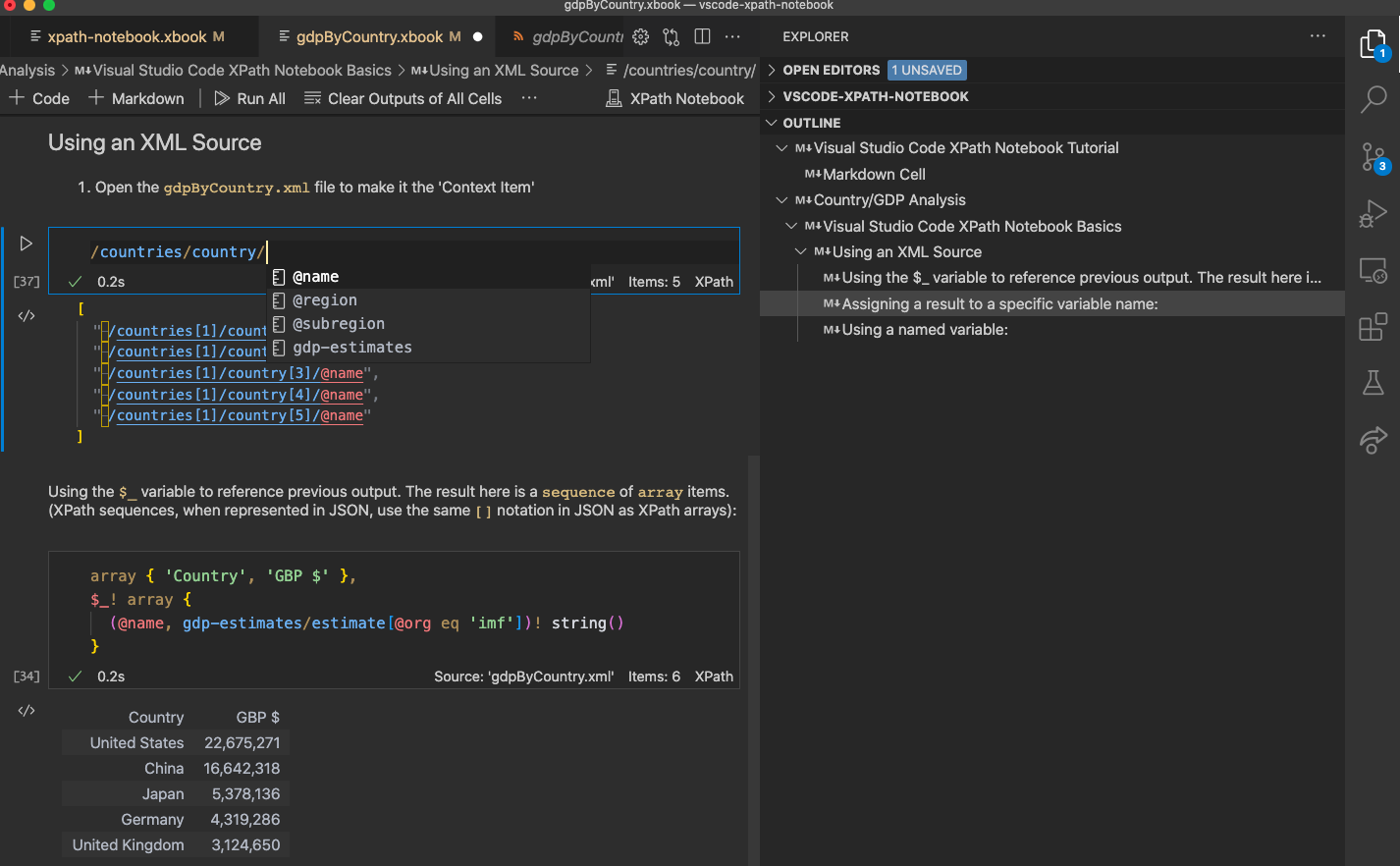
DeltaXML's XPath Notebook extension adds comprehensive XPath 3.1 support to Visual Studio Code's built-in notebooks. Visual Studio Code notebooks provide similar features to other popular notebook interfaces like the Juypter Notebook.
A notebook comprises a set of notebooks cells. These cells can either be Markdown cells for narrative content or Code cells for a specific programming language.
When a Code cell is executed, the result is rendered in an Output cell immediately below the current Code cell. The currently active NotebookController (also known as a Kernel) determines the output types that can be shown in the Output cell. Each output type will have a corresponding NotebookRenderer that is responsible for formatting the output type. For example, the result may be shown as JSON text, as an interactive table or an interactive graphical plot.
In this section
Getting Started
Step by step guide to installing the XPath NoteBook
General Usage
Details on how to use XPath Notebook features
Download
Download your copy from the Visual Studio Marketplace:
XPath Notebook for Visual Studio Code - Visual Studio Marketplace
Version History
Use this link for a full list of XPath Notebook release versions